
Routing, redesigned. And a refreshed media kit.
Routing settings and the onboarding routing review now share one cleaner UI, with AI-generated rules you can keep or toss in one screen. Plus a refreshed media kit with new print ads, the v2 ink-and-presence creator scenes, and the product screenshot set updated for sharing.
Two big things this release. Routing — the part of Borker that decides where your generated content actually goes — got a top-to-bottom rework, with one cleaner UI shared between onboarding and Settings. And the media kit got a refresh: new print ads, a new creator-scene set, and refreshed product screenshots, all ready to share.
Routing, redesigned end to end
Routing has been the trickiest surface in Borker for a while. You'd land on Settings → Routing and stare at a free-form list of rules with no clear way to tell which content types were covered and which were dropping on the floor. Editing a rule meant filling in a long form with platform, source, account-type, channel, and feed fields, with no helpful structure tying them together. Onboarding had its own separate routing review screen, with a different form layout and different defaults. Two surfaces, two muscles to learn.
That's all one surface now. The same cleaner UI does both jobs.
When you're onboarding, the AI proposes a routing setup based on the channels you connected and the topic pools you set up. It reads your accounts, maps your topic pools to the right voices, and produces a starting set of rules with sensible defaults. You see them as a single list with toggles, pick the ones you want, and continue. No filling in forms one rule at a time, no guessing what "source" means before you've used the product.
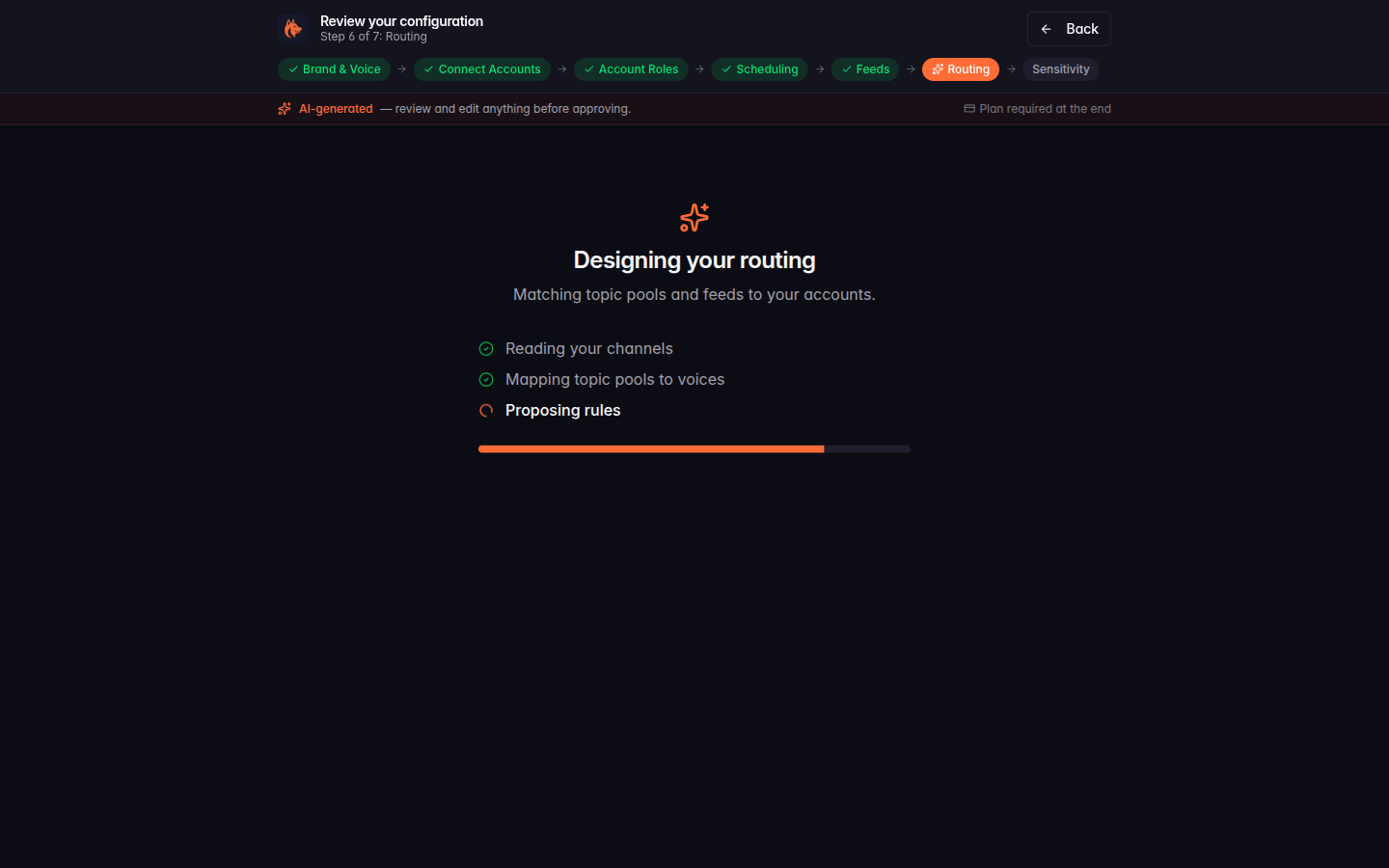
Once you're in the app, Settings → Routing uses the same rule shape with the same toggles. The table sorts by source so you can see at a glance which content types you've set up routing for. Status indicators per row, in-place enable/disable toggles, and a streamlined + New rule form that walks you through one source, then one or more destinations. No more juggling five form fields at once to set up a single rule.
The new rule dialog also makes the "this rule applies to X founder account, this one to brand" pattern explicit. Each destination shows the platform pill (X, LinkedIn, Farcaster, Paragraph), the channel name, and the account-type badge (brand or founder) all in one row. The structure that used to be implicit in your head is now visible on screen.
If you set up routing rules months ago and they're still doing what you want, nothing changed — your rules came across unchanged. If you've been avoiding the routing page because it felt like work, give it another look.
What else shipped
A refreshed media kit
The media kit at borker.xyz/docs/guides/media-kit just got a much bigger refresh than usual. Three things changed: a new print-ad set, a new creator-scene aesthetic, and a refreshed product screenshot pack.
New print ads. Four magazine-ready 8.5x11 print ads, one per creator persona — writer, artist, maker, and designer — built around the line "You create. We handle the rest." The top half of every ad is the Borker mascot radiating content out to platforms; the bottom half is a quiet workspace scene representing the creator. Magazine editors get a different version for each audience they place against, all sharing a consistent design grammar.
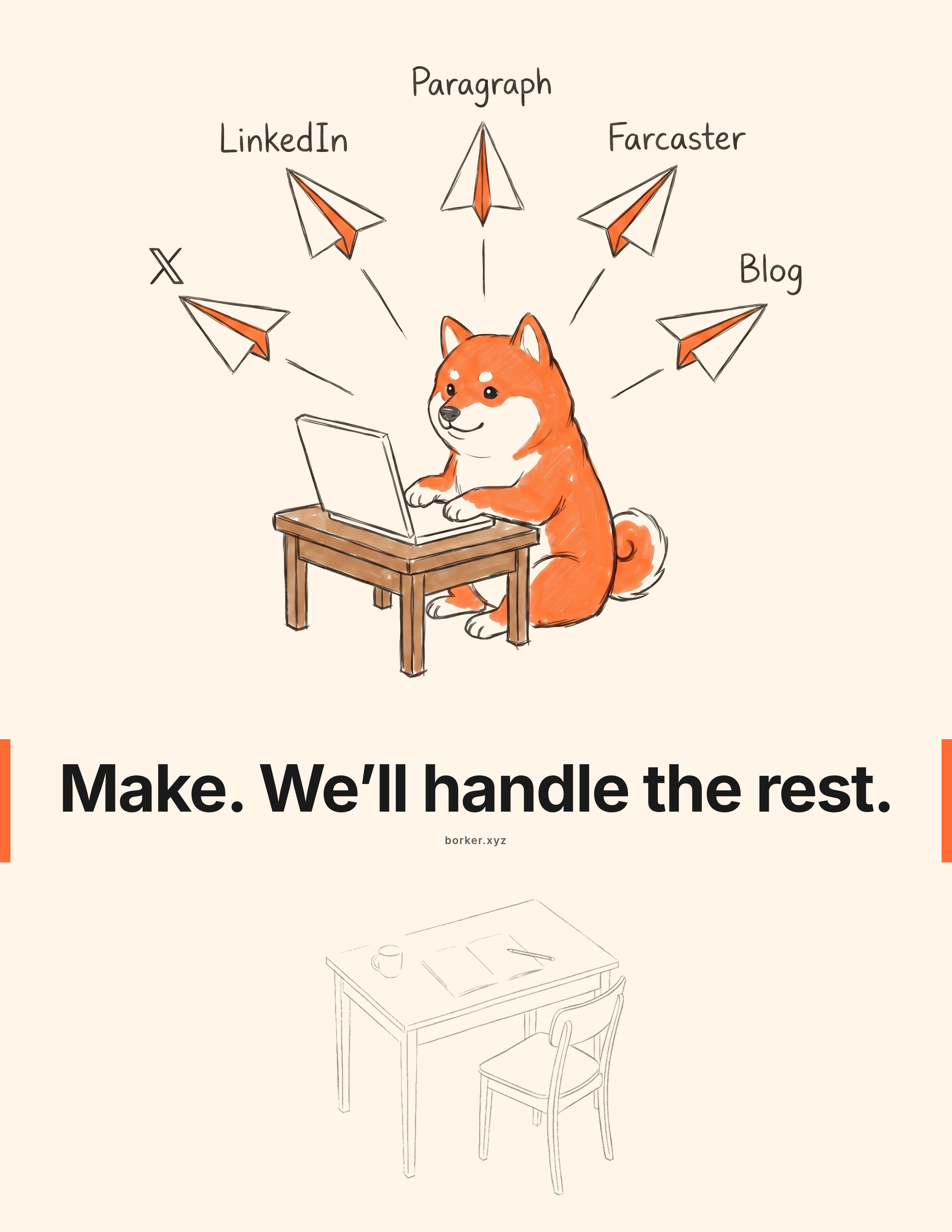
A new creator-scene aesthetic. The bottom-band creator scenes in every ad — and now available individually in the mascot-scenes set — share a new look we're calling ink and implied presence. Confident medium-weight black ink line work on cream, with small solid-black accents on mechanical details, and a quiet narrative of someone-just-stepped-away. The old hairline-tan set is preserved for reference but the v2 ink-presence scenes are the new shippable.
Refreshed mascot scenes. Six character moments across the brand's range, refreshed and ready to drop into docs, social posts, sponsor decks, or wherever a Borker moment helps.

Product screenshots, refreshed. The eight curated product UI shots are updated for the current app — Pipeline, Brand voice, Schedule, Reactive news, Redistribute, and the rest — all captured in matching dark and light modes, ready for press placements, social cards, and deck slides.
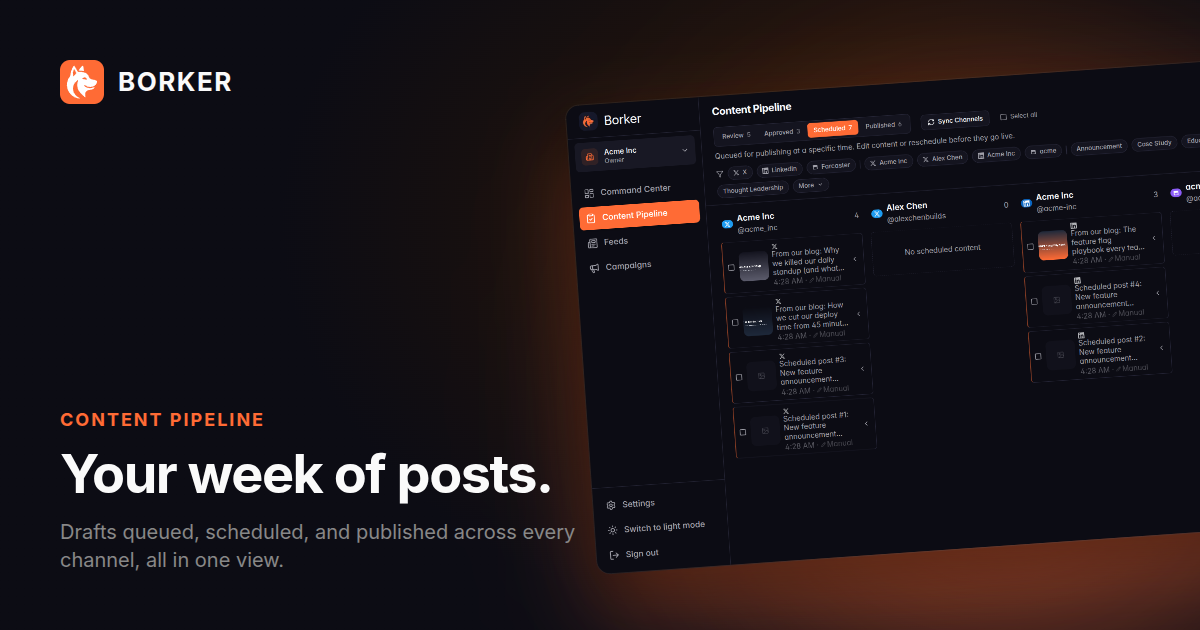
Pull the full kit (logos, mascot cutouts, mascot scenes, product screenshots, print ads, brand tokens) as ZIP downloads from the media kit page.
Pipeline and channel display polish
The Pipeline page had two small but visible papercuts that are fixed this release.
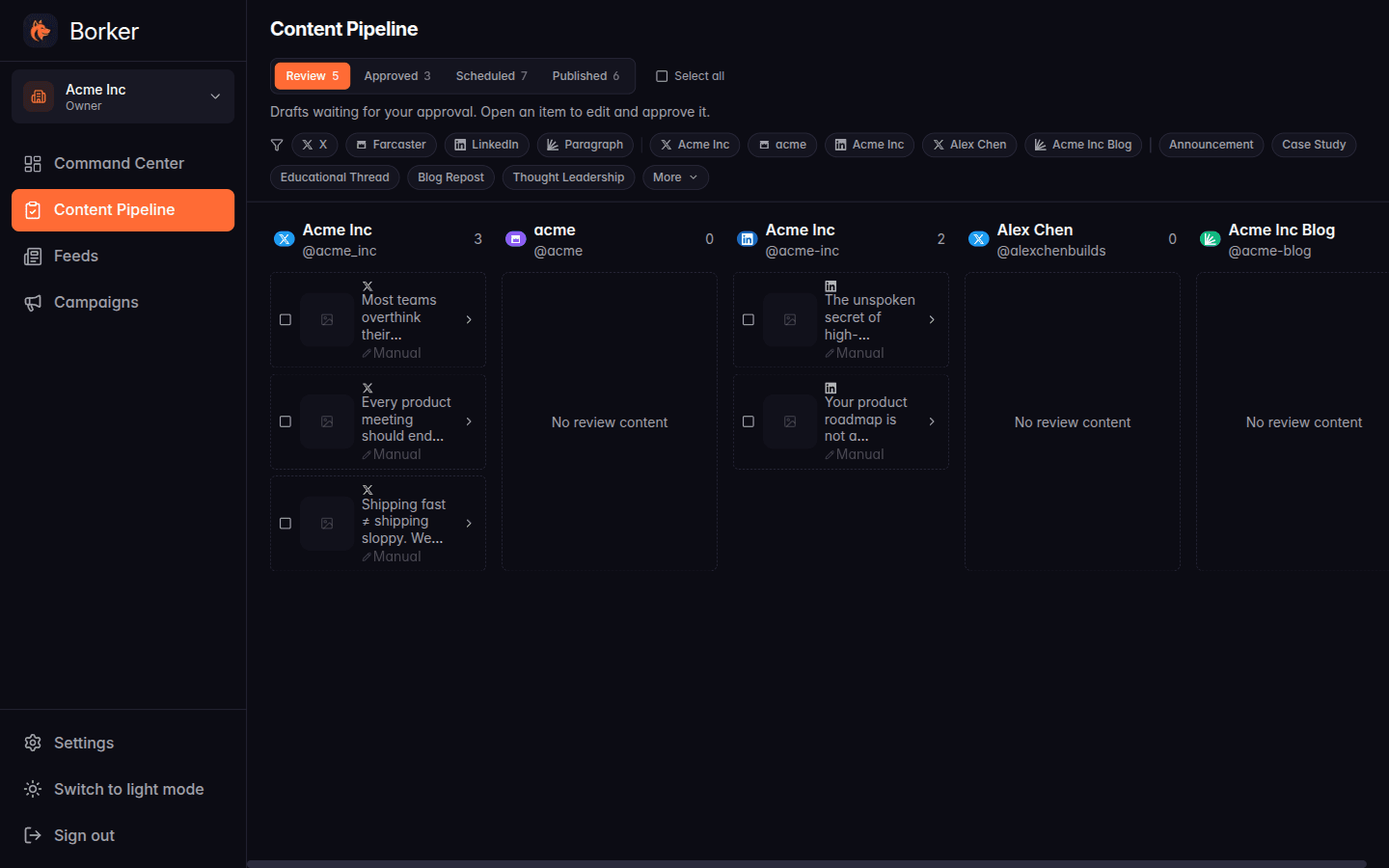
Column alignment. Channel columns used to drift out of horizontal alignment when one column had more cards than its neighbors — the headers stayed put but the empty-state placeholders stretched or compressed unpredictably. Columns now line up cleanly regardless of card count per channel.
Paragraph channel name and handle. Paragraph channels were previously displaying their integration ID (a UUID) where their name and handle should have been. Both surfaces — the channels list in Settings and the channel header on Pipeline cards — now pull the real publication name and handle live from Paragraph's API. New Paragraph connections get the right display name immediately; existing ones refresh on their next channel sync.
New here? Borker is the AI content engine for founders.
We learn your voice, watch your news feeds, and ship posts to X, LinkedIn, Farcaster and your blog while you build the actual product.