
A clearer welcome and light mode lands
First-time workspaces now open with a guided automation panel showing what's wired up and what still needs your attention. Toggle daily content, news-reactive posts, and redistribution in place. Plus light mode across the app and docs, and the full affiliate program info pack published.
You finish onboarding, you land on the dashboard, and now there's a panel waiting that tells you exactly what Borker will and won't do for you — and lets you fix the gaps without leaving the page. Plus light mode finally ships everywhere, and the affiliate program is in the public docs.
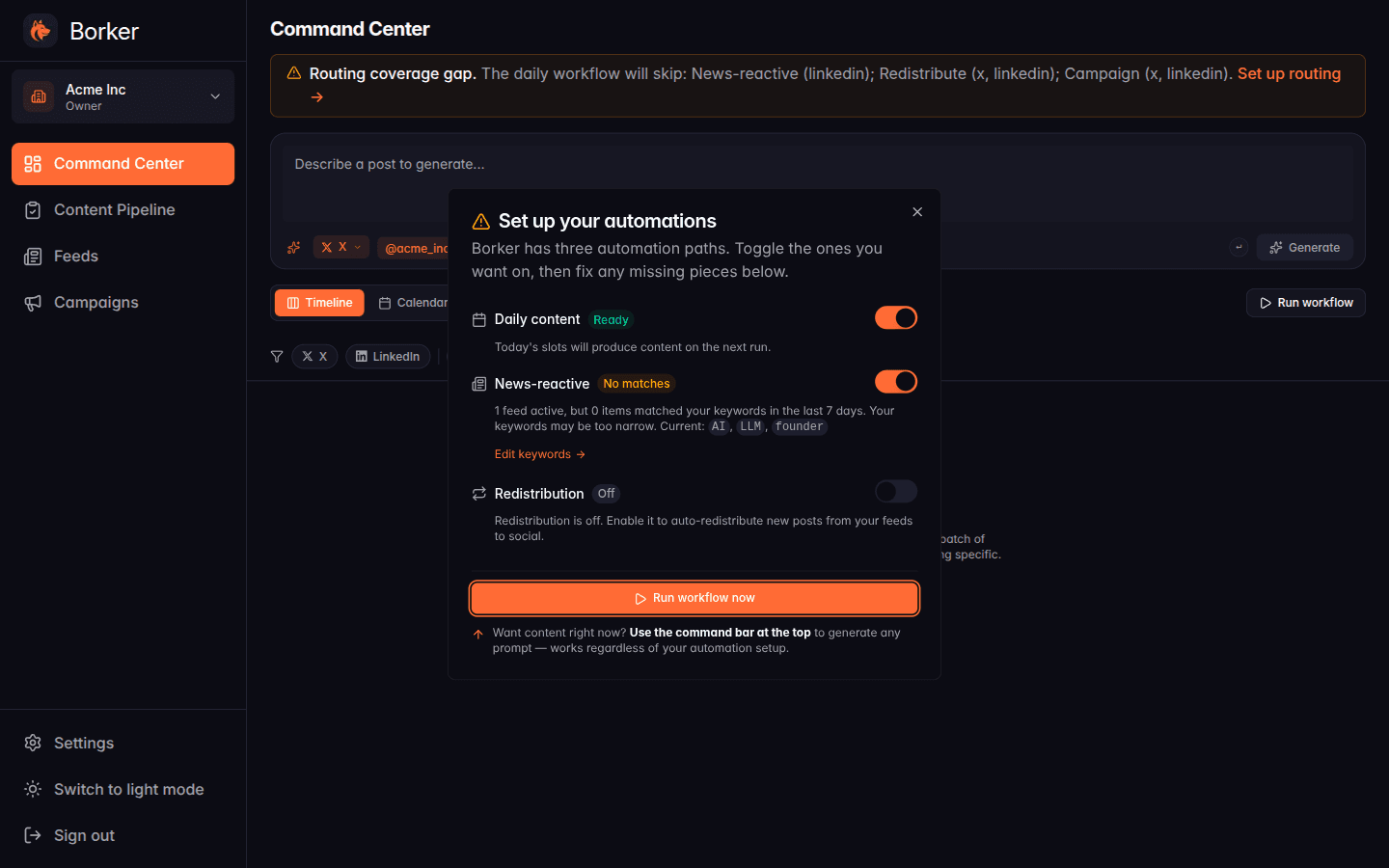
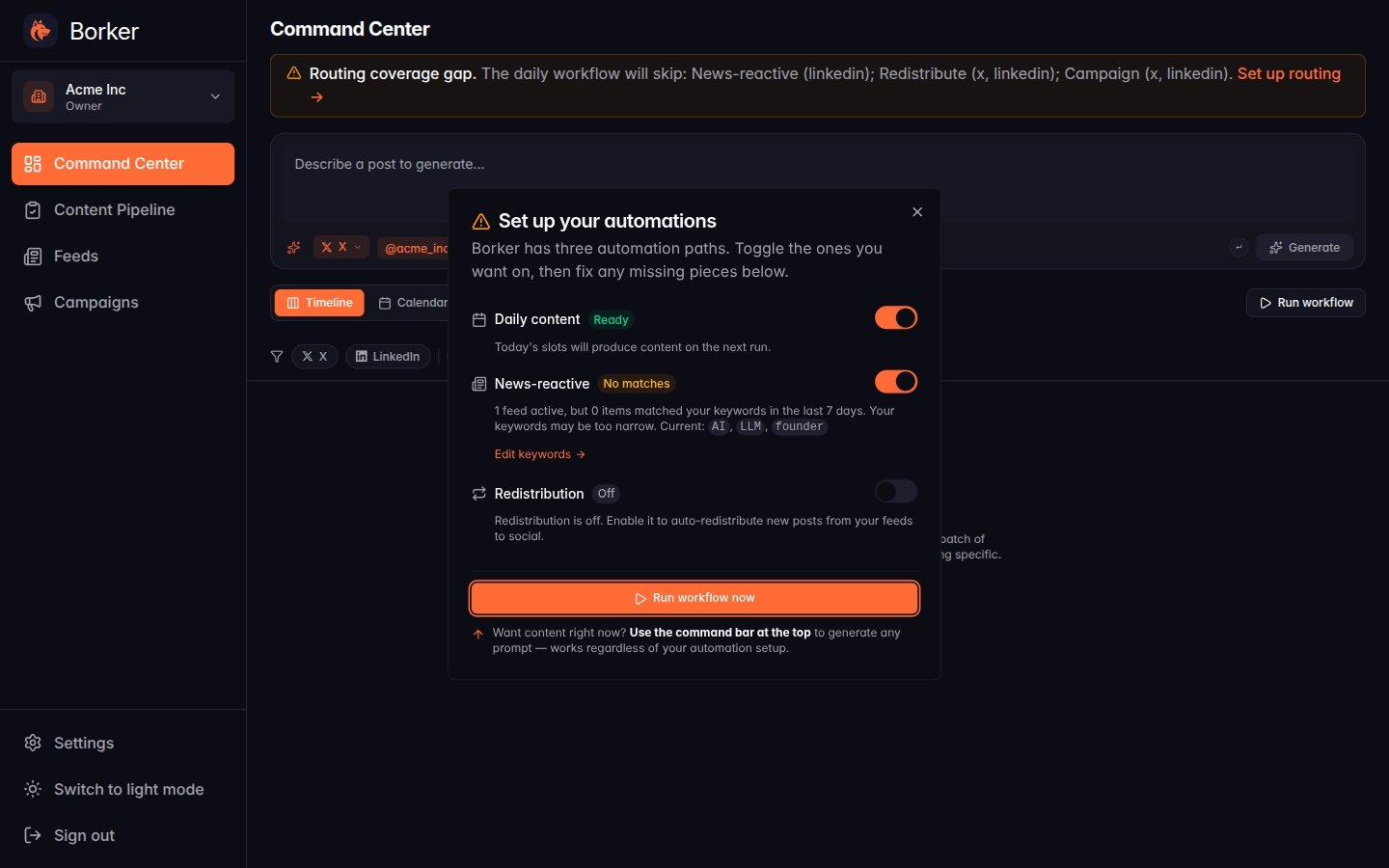
Set up your automations
For a long time, the moment after onboarding was the most confusing one in the product. You'd be staring at an empty Command Center with no obvious answer to "is anything actually about to happen here?" The dashboard couldn't tell you whether the daily workflow was enabled, whether your reactive feeds had matched anything, or what was still missing. If you clicked "Generate your first content" and nothing happened, you got a "Workflow complete: no new content generated" toast and were left to your own devices.
That's now a guided panel.
The first time you visit the dashboard after onboarding, a "Set up your automations" panel opens automatically. Three rows, one per automation path:
- Daily content — does your calendar have slots for today? Is there a routing rule sending them somewhere? If everything's wired, the row shows "Ready." If not, you get a specific reason and a deep-link to the settings page that fixes it.
- News-reactive — are your reactive feeds populated? Have any items matched your keywords in the last week? When the panel opens for the first time, this row may briefly say "Fetching" while we pull your feeds for the first time. Once they're fetched, you'll see "Ready" if there are matches, "No matches" with your current keywords listed if not.
- Redistribution — is the toggle on, do you have a redistribute feed configured?
Each row has its own switch. Flip a path off if you don't want it; the row immediately reflects the change. Hit "Run workflow now" at the bottom and the panel stays open with a spinner while Borker generates — when it lands content, you're routed to the Pipeline with the new drafts highlighted. When the workflow runs but nothing matches today's slots, the panel stays open and tells you so, so you can adjust before trying again.
Existing workspaces won't see the panel auto-open — we dismissed it for everyone already past onboarding. You can still reach it from the dashboard's empty state by clicking "Generate your first content" when there's nothing in the Pipeline yet.
What else shipped
Light mode
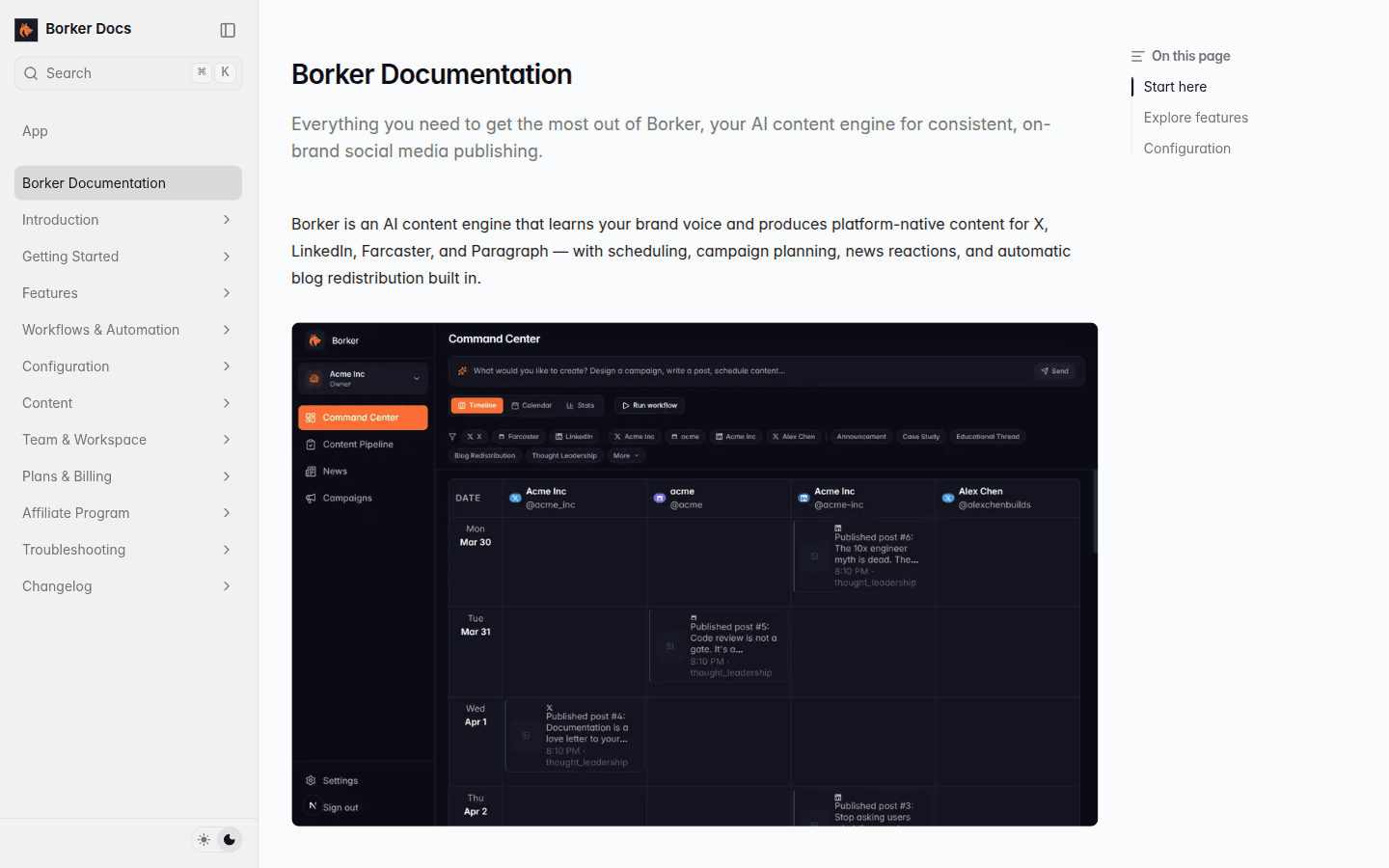
The docs theme switcher was visibly broken in light mode for a while — the sidebar and "On this page" panel stayed dark while the main content went light. That's fixed, and we used the opportunity to add the toggle everywhere it was missing: marketing nav, app sidebar footer, and the existing docs header.
Dark stays the default. Nothing changes unless you choose to flip it. When you do, the brand orange stays orange, status badges read correctly on the lighter backgrounds, and code blocks keep their syntax colors.
Affiliate program
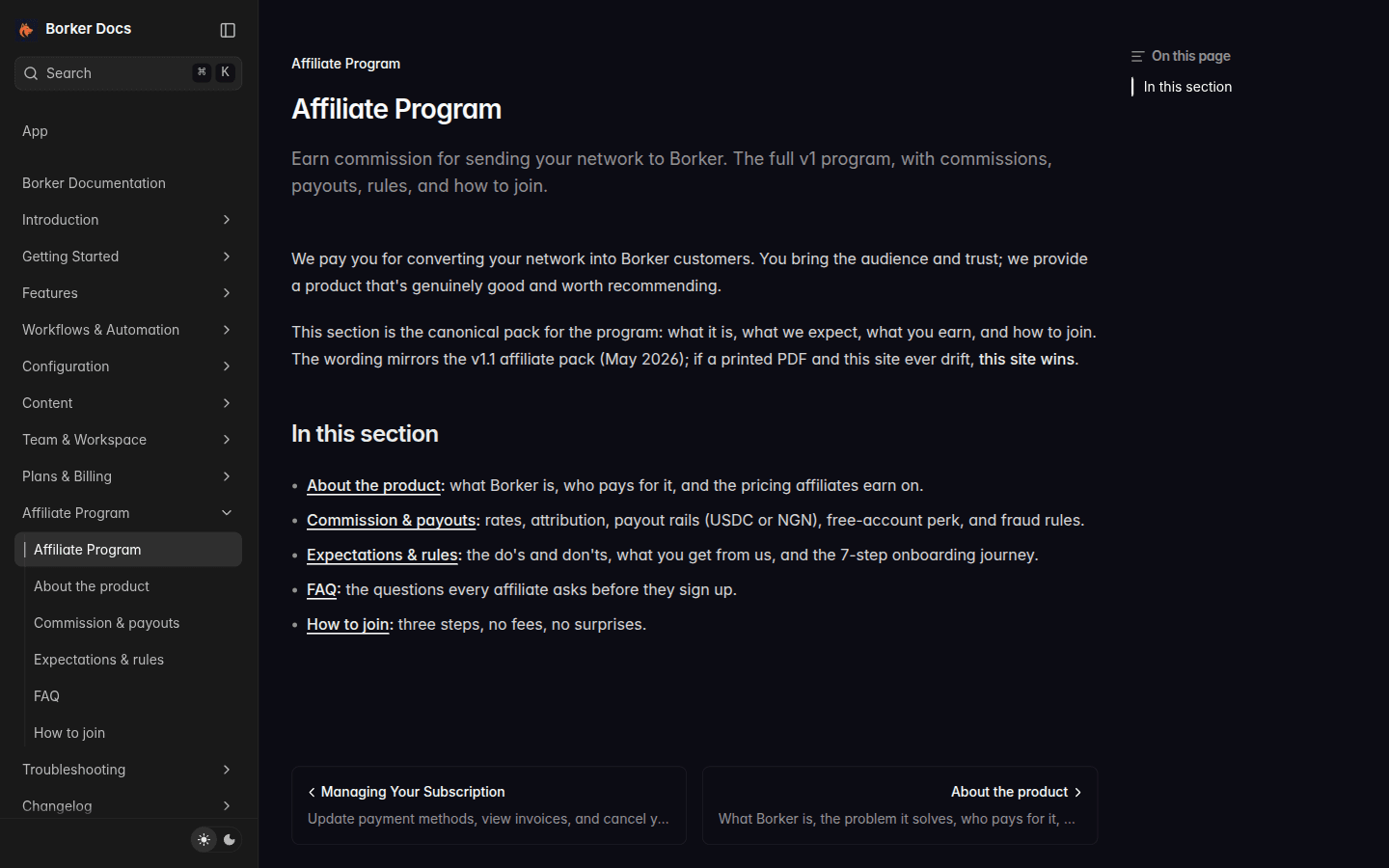
Earn commission for sending your network to Borker — the complete program is now public at /docs/affiliate-program. What you earn, what we expect, fraud rules, payout rails (USDC or NGN), the free-account perk for active affiliates, and the seven-step onboarding journey. Same wording as the v1.1 affiliate pack; if a printed PDF and this site ever drift, this site wins.
If you've been thinking about telling a friend, this is the page to share.
Bug fixes
- Onboarding scheduling toggles silently stuck off. The "Generate your first content" button used to do nothing for some workspaces because the daily-generation and news-reactive toggles failed to flip on during onboarding. They now reliably enable themselves, and we backfilled every existing workspace where they got stuck.
- Reactive feeds and keywords weren't actually saving on the onboarding review step. They are now.
- Friendly retry message when our AI provider is overloaded. Instead of
Anthropic API error: 529 Overloadedduring onboarding analysis, you'll see a clear "give it another moment" message. - LinkedIn rotation got blocked by browser popup rules. Reconnecting a LinkedIn channel after switching brand identity is reliable again.
- Sign-out properly clears cached state across users. Switching accounts on the same machine no longer surfaces the previous user's workspaces briefly.
- Onboarding back-button. Clicking back from the review steps takes you to the right place (the context page) instead of bouncing off the analyzing screen.
- Auto-redistribute reshare default flipped to off. New workspaces opt in to founder-reshare rather than discovering it's quietly active.
New here? Borker is the AI content engine for founders.
We learn your voice, watch your news feeds, and ship posts to X, LinkedIn, Farcaster and your blog while you build the actual product.