
Get started
Your first hour with Borker: share your links, check your strategy, read your first week and connect your channels.
You give Borker a few links. It drafts your Content Strategy and writes your first week before you pay or connect anything. Then you connect your channels and approve your first post.
Setup in four steps
What happens at each step, and what it leaves you with.
Read it as steps
- Gather: you name your workspace and share a few links, each marked Brand or Personal. Your workspace and your links are saved.
- Your strategy: Borker drafts your content strategy from those links, and you check it. Confirm it and it is saved. Editable anytime, under Content Strategy.
- Your first week: Borker writes ten posts into a week, and you read them. They are saved, and they wait for your channels.
- Pick your plan: you pick a plan and pay at checkout. You are in, and connecting your channels comes next. On BYOK and Lifetime, one more step comes first: your own API key.
- Everything is saved as you go. Leave at any step and you continue where you left off.
Create your account
Open the sign-up page, headed Create your account, and enter your email and a password. If Borker asks you to confirm your email, open the link it sends and you land in setup.
Gather: give Borker something to read
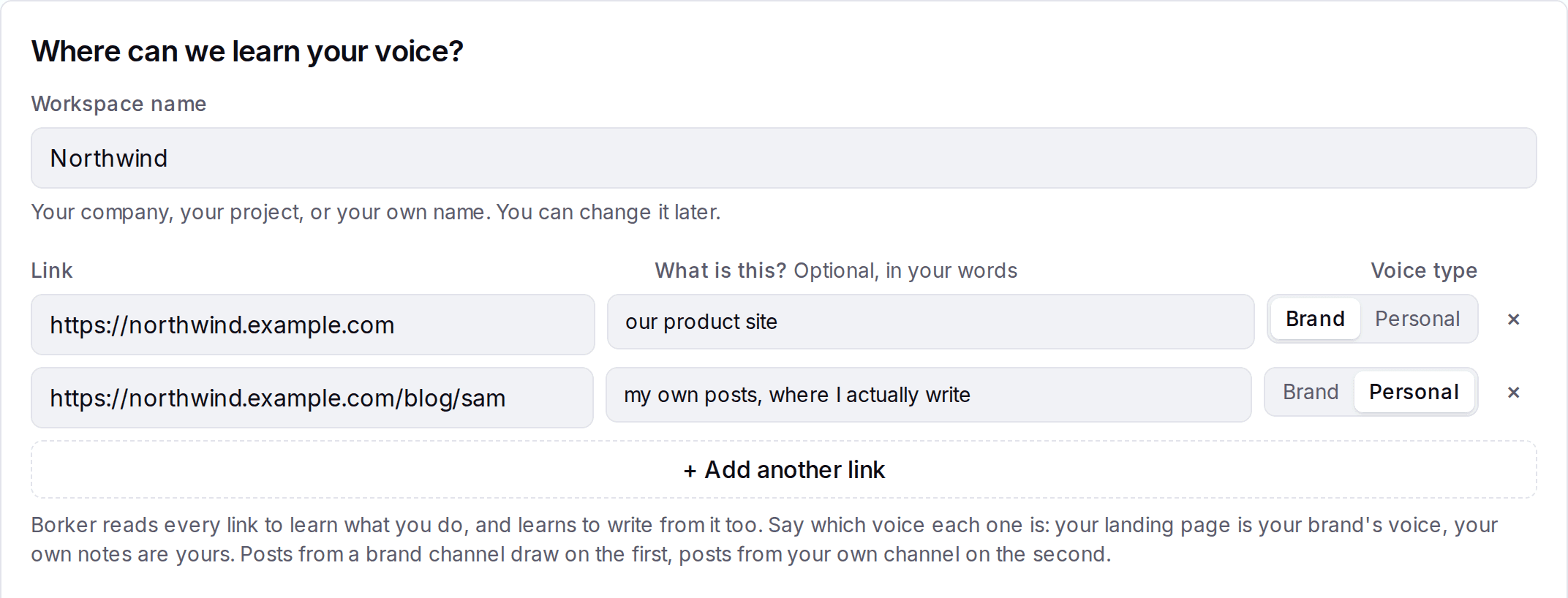
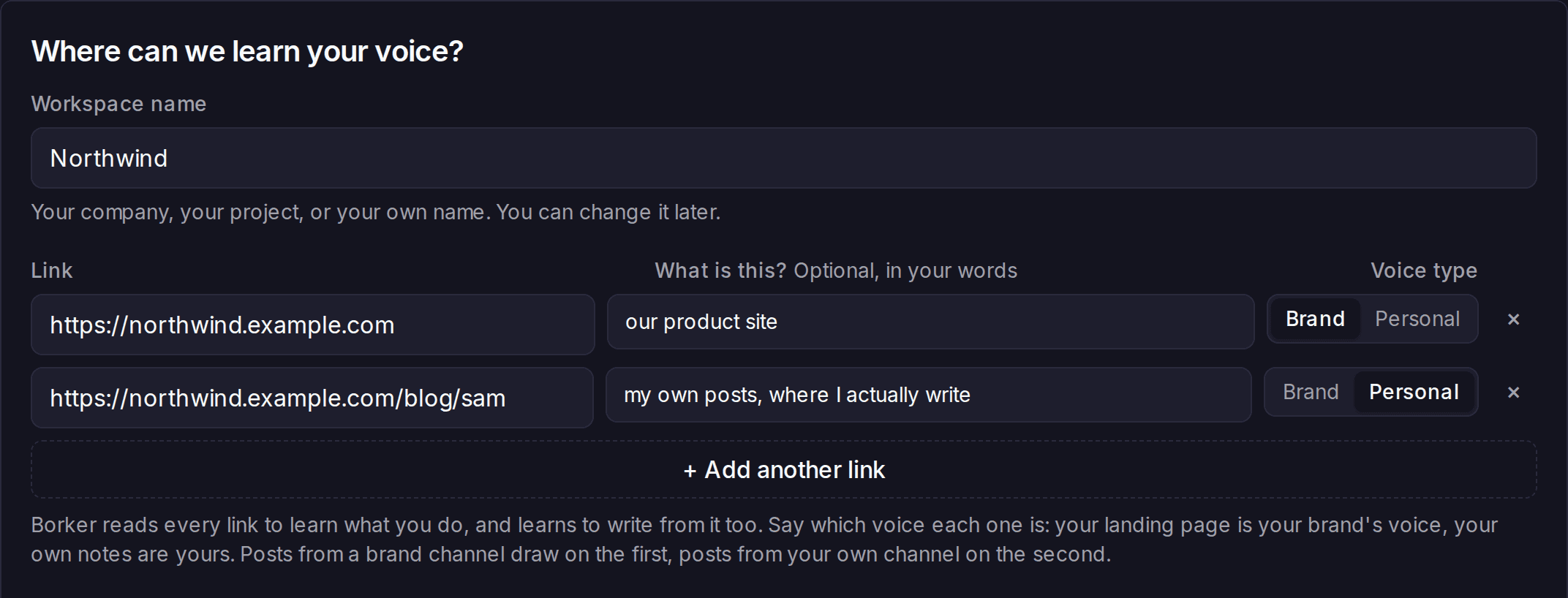
- Workspace name. Your brand, your project or your own name. You can change it later.
- Links. At least one, up to ten. For each, set the Voice type: Brand for something like your landing page, Personal for your own writing, such as a newsletter or essays.
- Where do you post, or plan to? Tick the places. Nothing is connected yet. Tick none and Borker assumes a spread and tells you which.
- Anything else we should know? Optional.
Then press Draft my content strategy. Borker reads only the links you give it.
Your strategy: check what Borker drafted
Borker shows your content strategy as one document. Everything in it can be edited in place.
| Section | Check that |
|---|---|
| About you, About your brand | The facts are right. Borker only states what is here. |
| Topics | Talk about is what you want to be known for, and Avoid holds your hard lines |
| What we will watch for you | The sources are ones you would read yourself |
| Held for a look | Words and rules that should always wait for you are listed |
| Where it goes | Each channel says what it is for |
| How often | The weekly total feels right |
If something bigger is off, say it in your own words in the box at the bottom and press Redraft it. When it reads right, press Looks right, write my first week.
You do not have to get it perfect. All of it stays editable under Content Strategy.
Your first week: read it
Borker writes ten posts into a Monday to Friday week. Click any post to read it the way it will go out.
If they do not sound like you, or like your brand, type what is off under Not how you sound?, for example "too explainy, I never spell out the lesson at the end". Borker reads it back as a change. Confirm it and the posts it touches are written again. You can have the week written again three times here.
When the week sounds like you and your brand, press Looks like me, continue.
Pick your plan
Pick the plan, pay at checkout, and you are in. There is nothing else to set up.
Your strategy and your first week are already saved whichever plan you pick. See Plans for what each one includes.
Connect your channels
Your first week goes live
Written during setup, it waits behind one card. Connect a channel and its posts go live.
Your first week is written.
10 posts, written from your strategy, waiting behind this. Connect your channels and they go live in your calendar, ready to review.
Connect your channelsNeeds youReady to review. Each keeps its day and time.
Read it as steps
- During setup Borker writes your first week: ten posts, Monday to Friday, each for one channel and one voice.
- In the Command Center the week waits, dimmed, behind a card that reads "Your first week is written." You can still open and read every post.
- Press Connect your channels and connect a channel.
- The posts written for that channel move onto it, on the day and at the time they already had. They show as Needs you, ready to review.
- Posts written for a channel you have not connected yet keep waiting under "No channel connected". A post in your own voice never goes to a brand channel, and a brand post never goes to yours.
You land in the Command Center. Your first week is there, waiting behind a card that reads "Your first week is written."
- Press Connect your channels. It takes you to Content Strategy.
- Press Connect channel, pick a platform, and sign in to it. Most platforms open a sign-in window; a few ask for a key or an approval instead.
- Repeat for each place you post.
Each post from your first week moves onto the channel it was written for. Posts in your own voice never land on a brand channel.
See Channels for what each platform asks for when you connect it.
Approve your first post
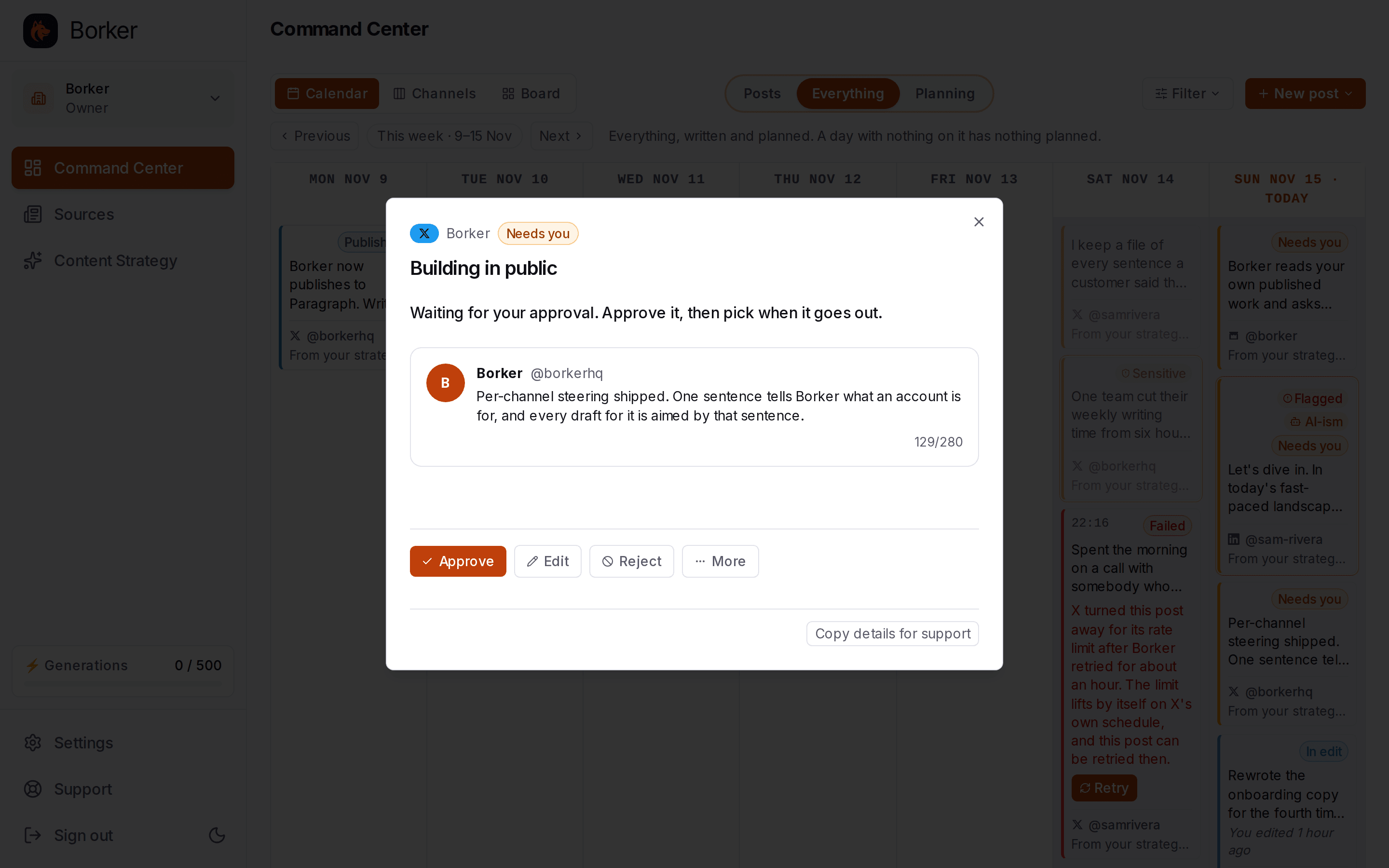
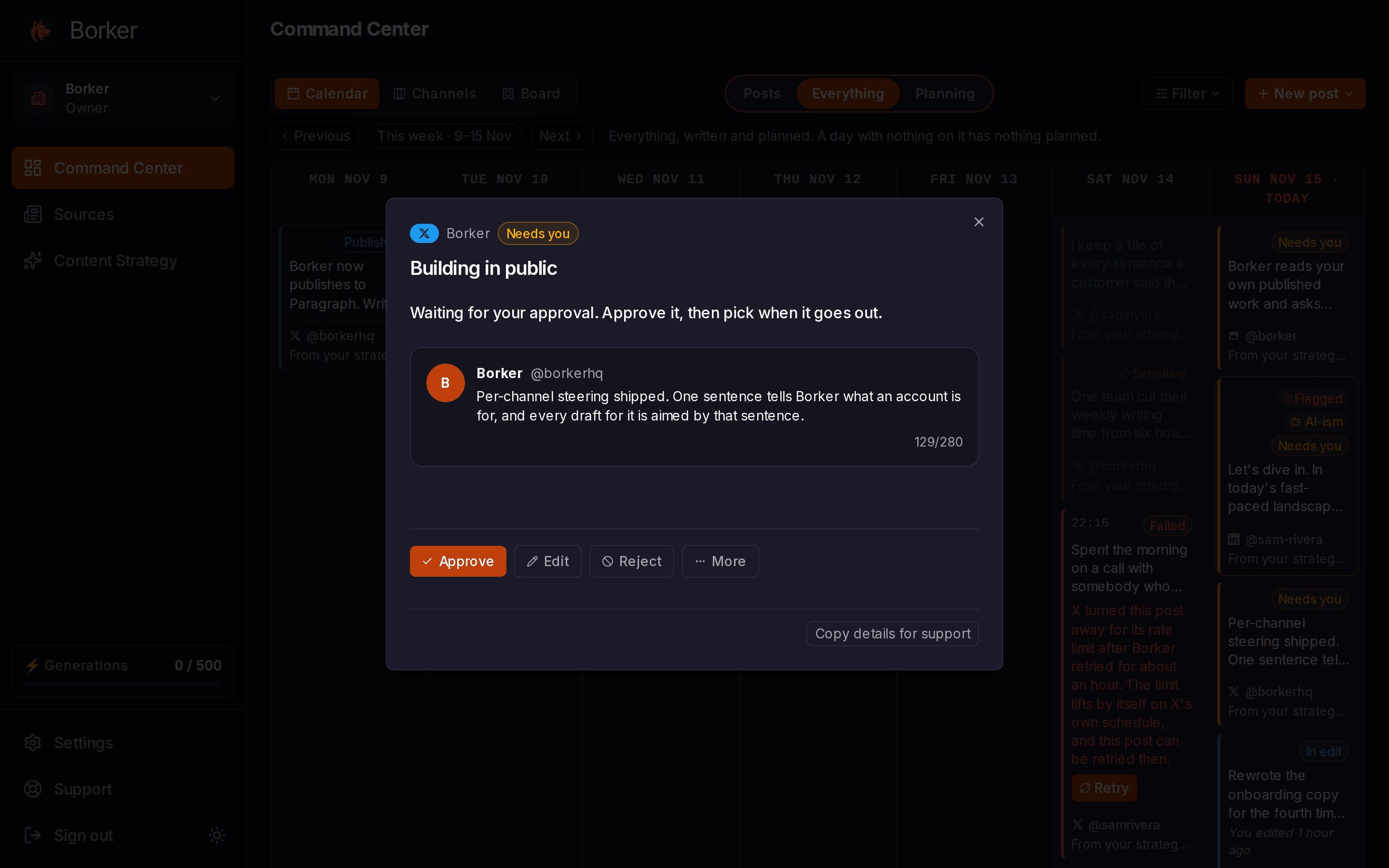
Back in the Command Center, open any post marked "Needs you". You see it the way it will look on its channel.
- Approve and it is scheduled for its planned time. Borker publishes it for you.
- Edit first if a word is off.
- Reject it if it should not go out at all.
That is the loop. From here Borker plans your week every night, under Planning, and writes each planned post a few hours before its time. Written posts arrive under Posts for you to review.
Good to know
How Borker works
Borker is a content engine for founders and brands. It learns how you and your brand sound, watches what is happening in your world, plans a week of posts ahead for every channel you connect, writes each one in your voice, and keeps the final say with you.
Command Center
Your week on one page. See what is planned, read what is written, and decide what goes out.