
Concepts
The twelve building blocks of Borker, in one diagram and a paragraph each.
Borker is built around twelve concepts. Once you understand them, every screen and setting in the product makes sense. This page is the mental map.
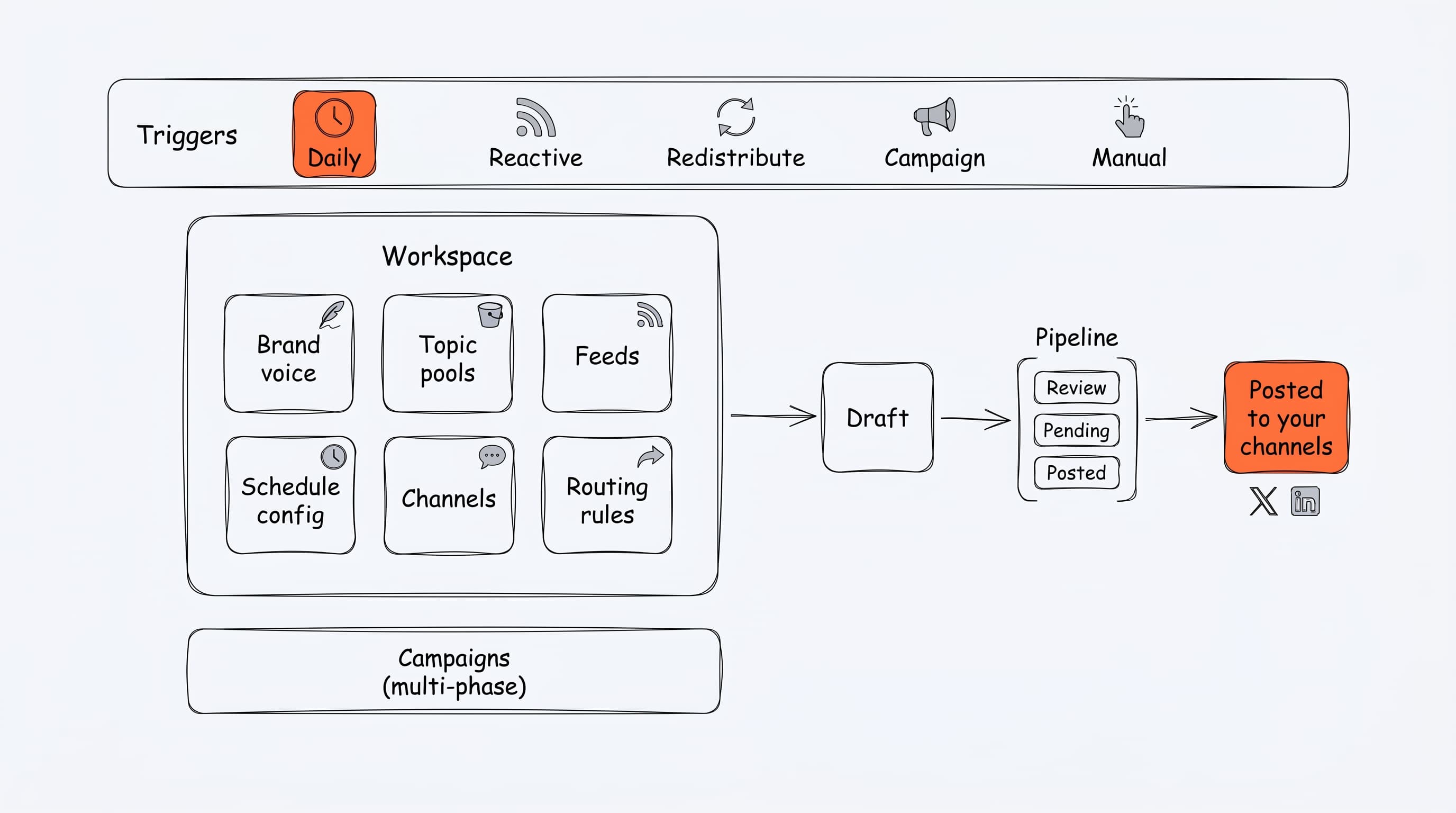
The picture in one sentence: triggers fire against your workspace's configuration, produce a draft, and route it through the pipeline to your channels.
Workspace
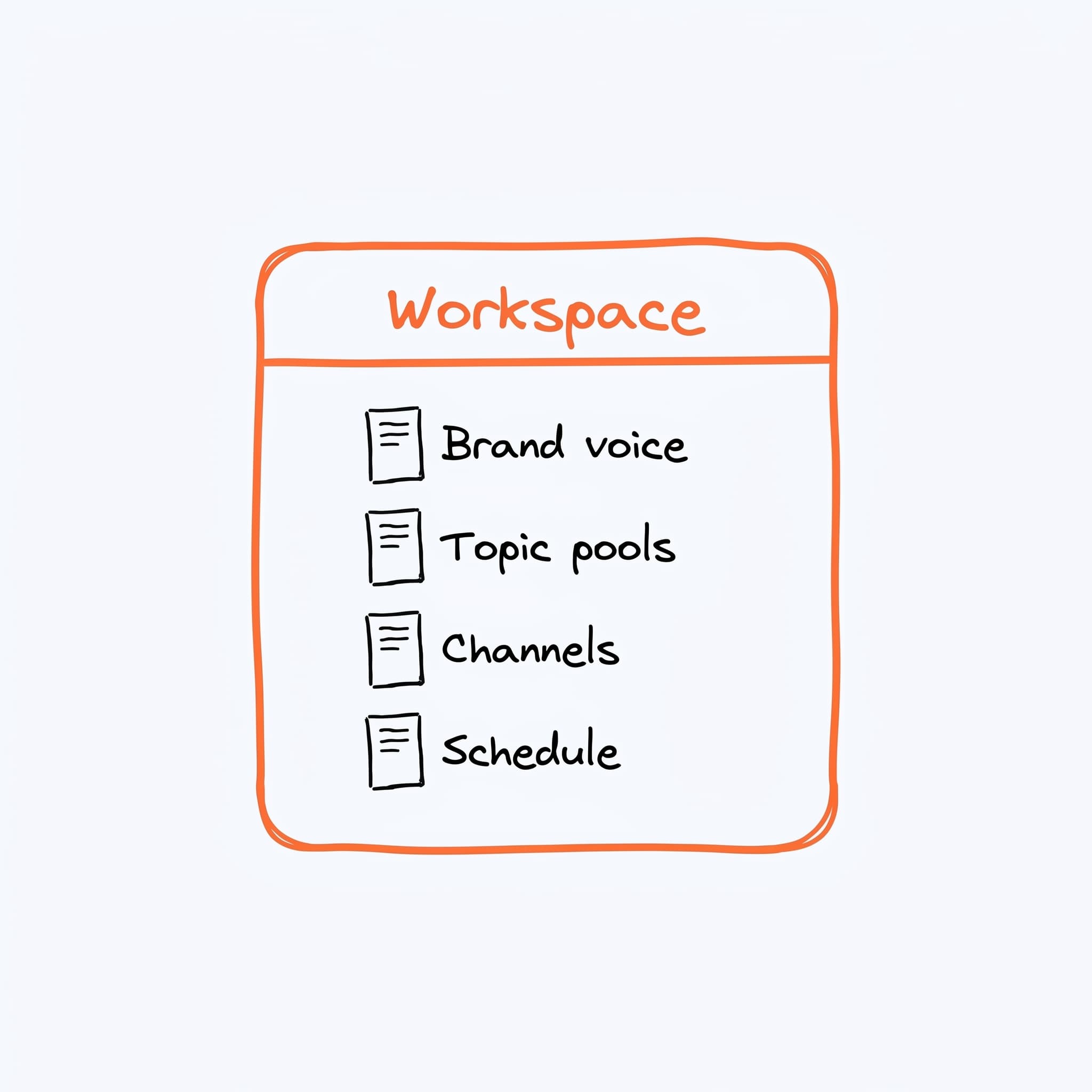
A workspace is the container for everything you set up: your brand voice, topics, channels, schedule, feeds, and the content Borker produces. One user can own or belong to multiple workspaces, but each workspace is fully isolated — its own brand, its own plan, its own content.
Brand voice
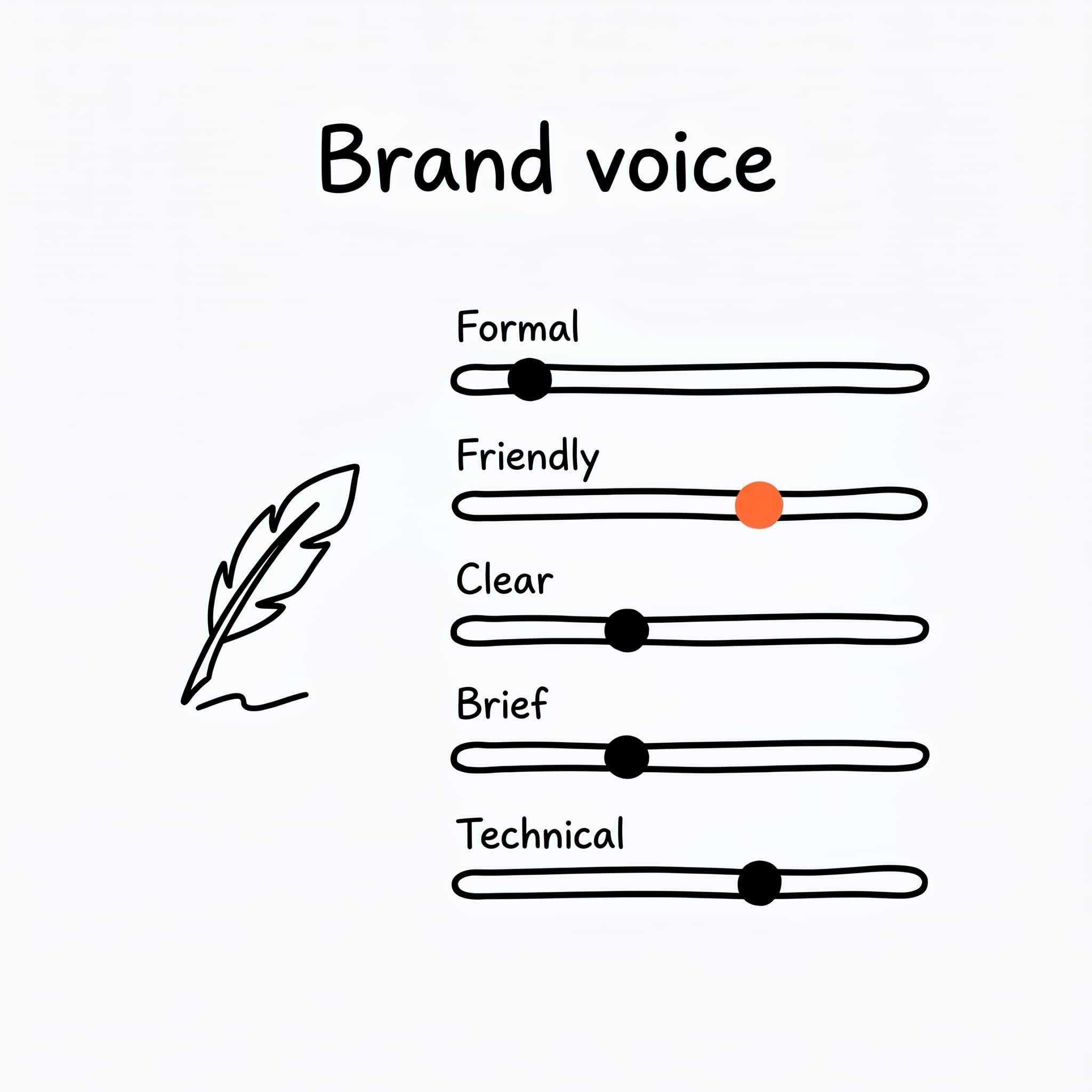
A workspace has two voices: you, the person, and your brand. Each carries what Borker may say about it, the writing you have given it, and the standing rules for how it sounds; the channel a post goes to decides which one writes it. Set up during onboarding, refined whenever the output starts drifting. See Brand & voice.
Topic pool
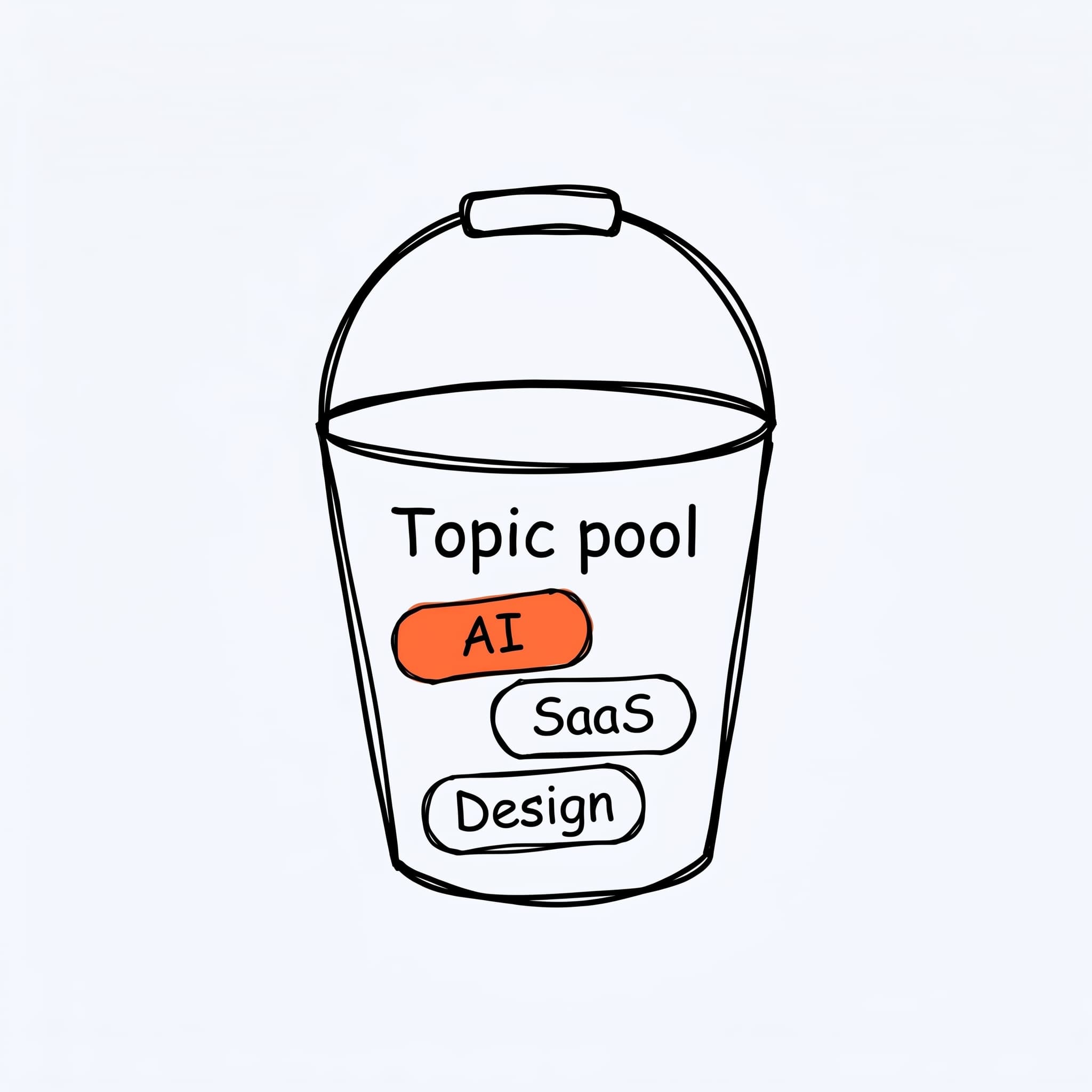
A topic pool is a labeled bucket of subjects you want to talk about — e.g. "Founder lessons", "Product updates", "Industry takes". Each pool feeds specific slots in your schedule, so the AI always knows what kind of content belongs where. See Topics.
Feed
A feed is an RSS URL Borker watches for you. Two flavors: industry feeds drive reactive posts (when news in your space breaks); your-blog feeds drive redistribution (when you publish, Borker turns it into social posts). See News sources.
Channel
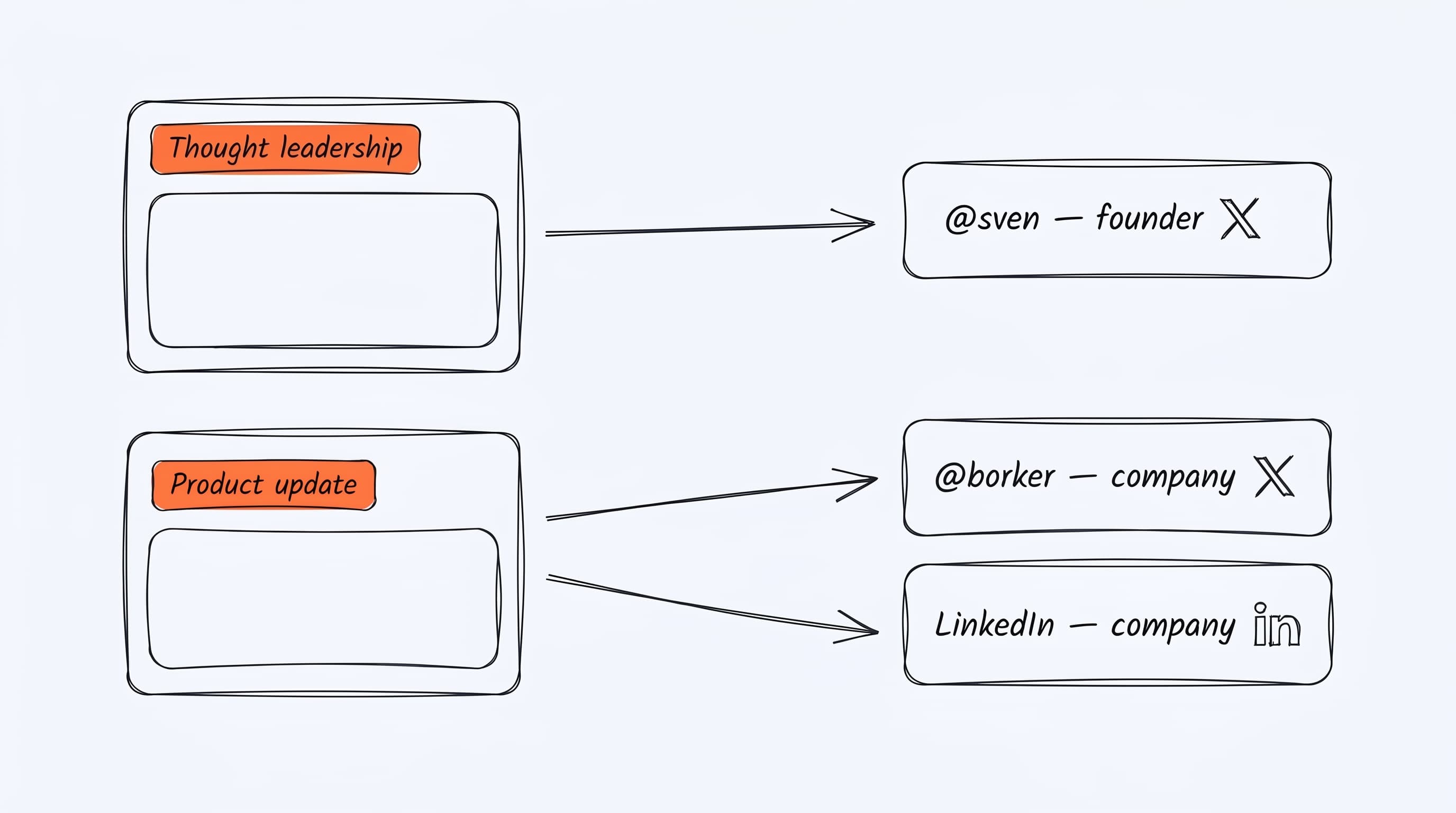
A channel is one connected social account — @yourname on X, your company
page on LinkedIn, your Farcaster handle. Most platforms support multiple
channels per workspace (a founder account and a brand account, say). See
Channels.
Destination
A destination is a connected channel plus the two decisions you make about it on Content Strategy: which voice writes for it, yours or your brand's, and what share of the week it gets. The plan picks the destination before anything is drafted, so thought leadership can land on your founder X and product updates on your brand X without you triaging anything. See Channels.
Schedule config
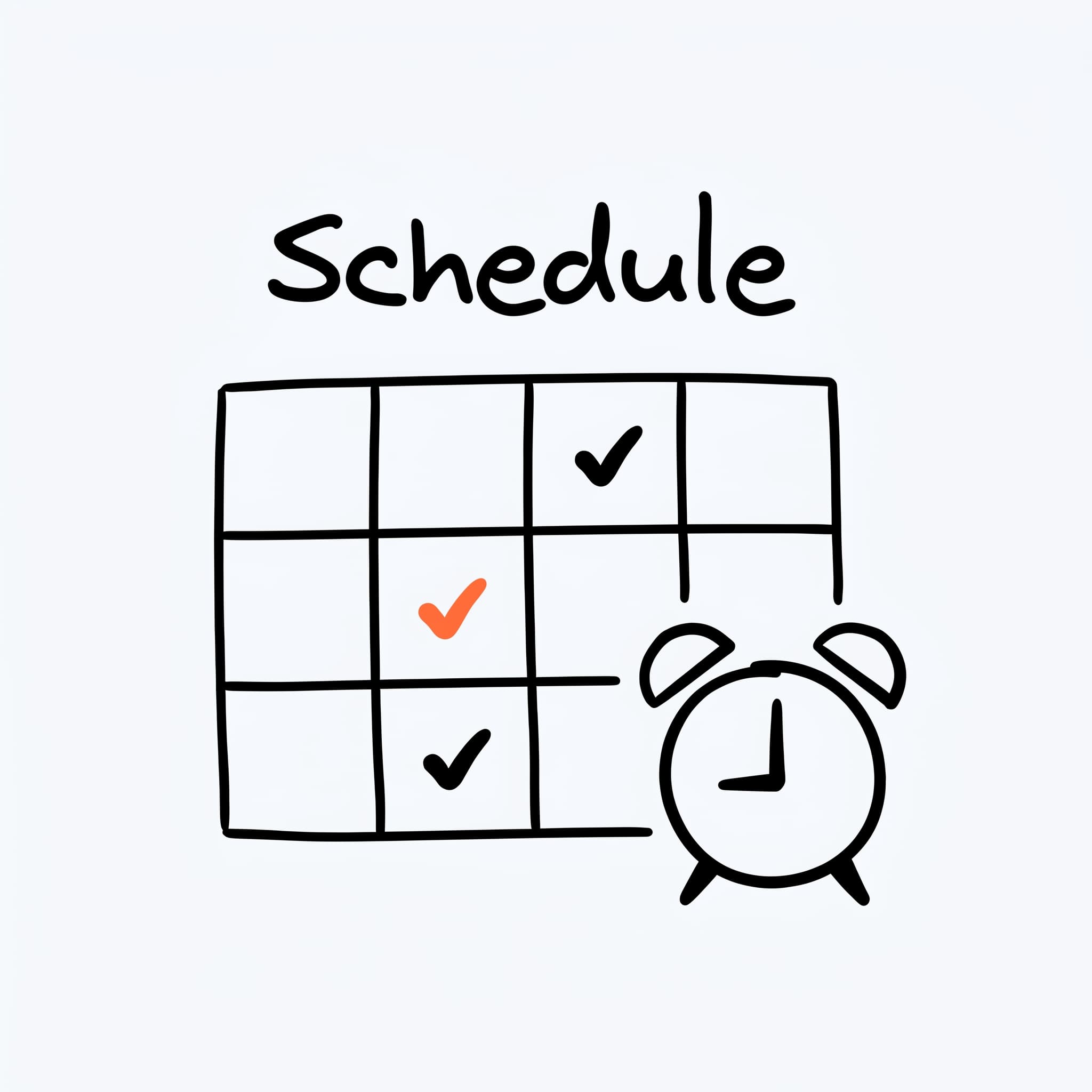
Your schedule config bundles three decisions: when the daily run fires, how aggressively to space posts out (max per day, minimum hours between), and which automations are turned on. It's the cadence settings for the whole workspace. See Scheduling.
Schedule slot
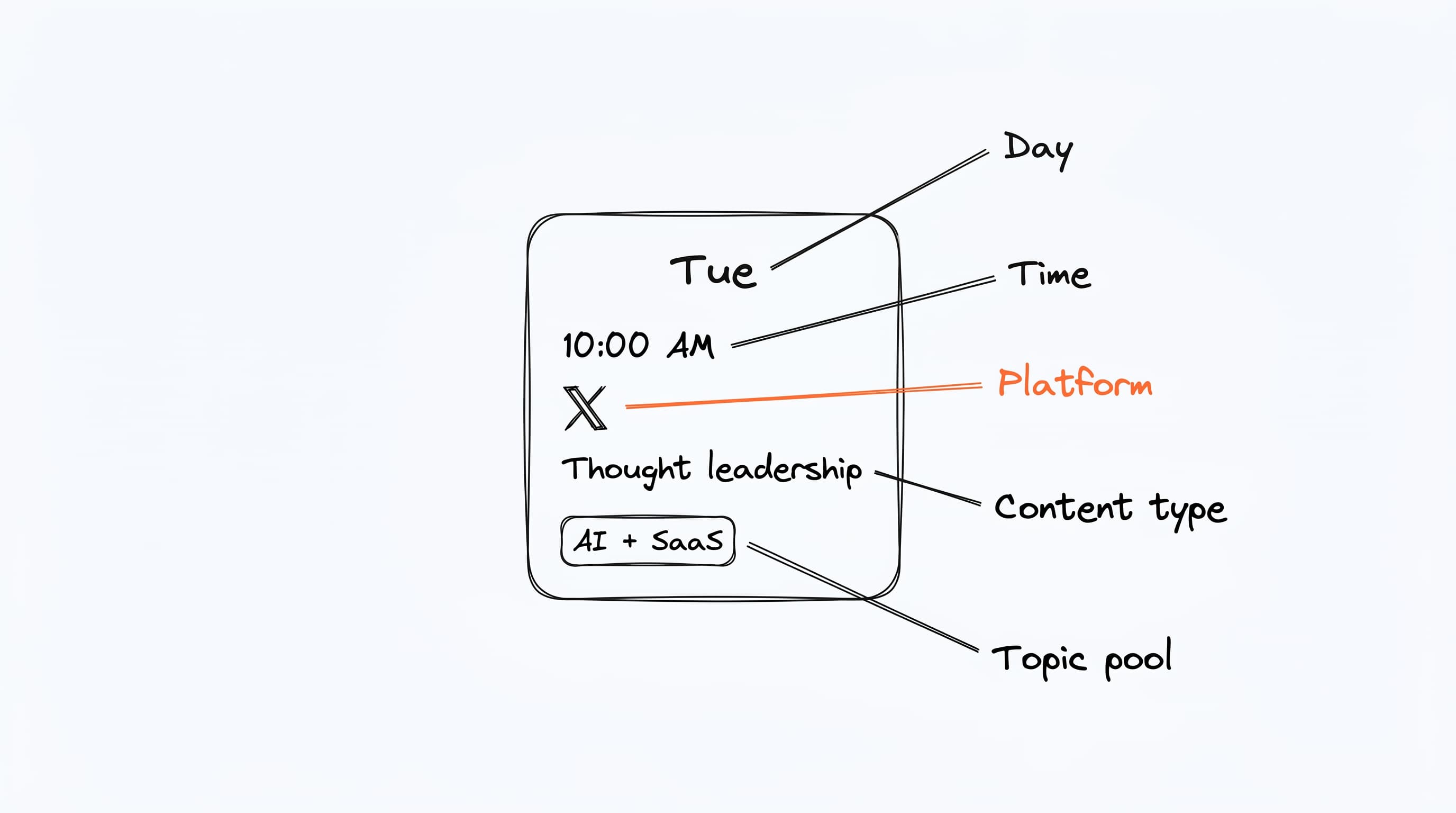
A slot is a recurring weekly time when Borker should generate something — e.g. "Tuesday 10 AM, thought leadership on X, from the Founder topic pool". The slot bundles five fields: day, time, platform, content type, and topic pool. Daily generation produces one draft per slot.
Campaign
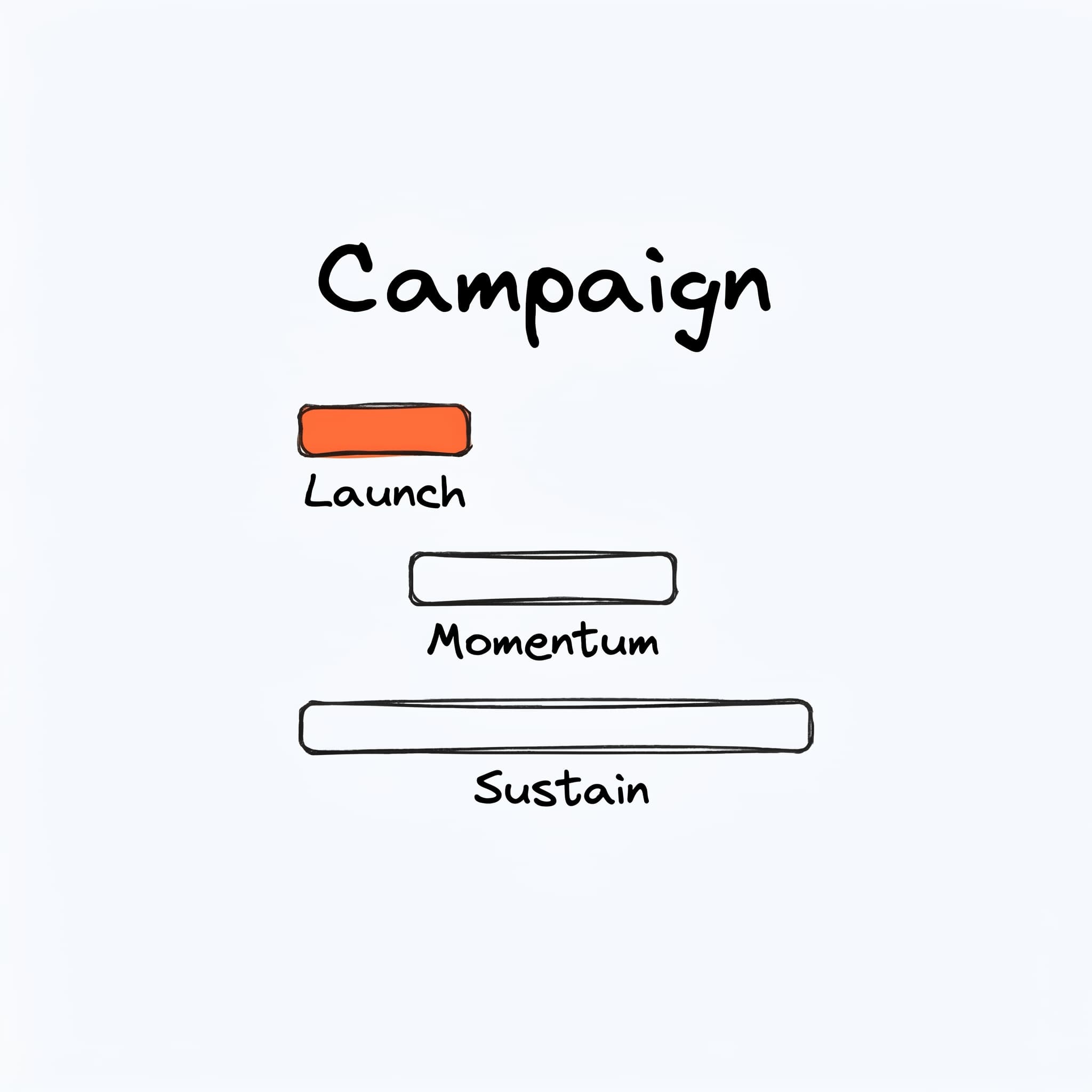
A campaign is a multi-phase content plan with a start and end date — something like a product launch or an event push. Campaigns have phases (Launch, Momentum, Sustain), each with their own posts. The AI plans the campaign, you approve, and posts flow into the Pipeline like any other content. See Campaigns.
Redistribution
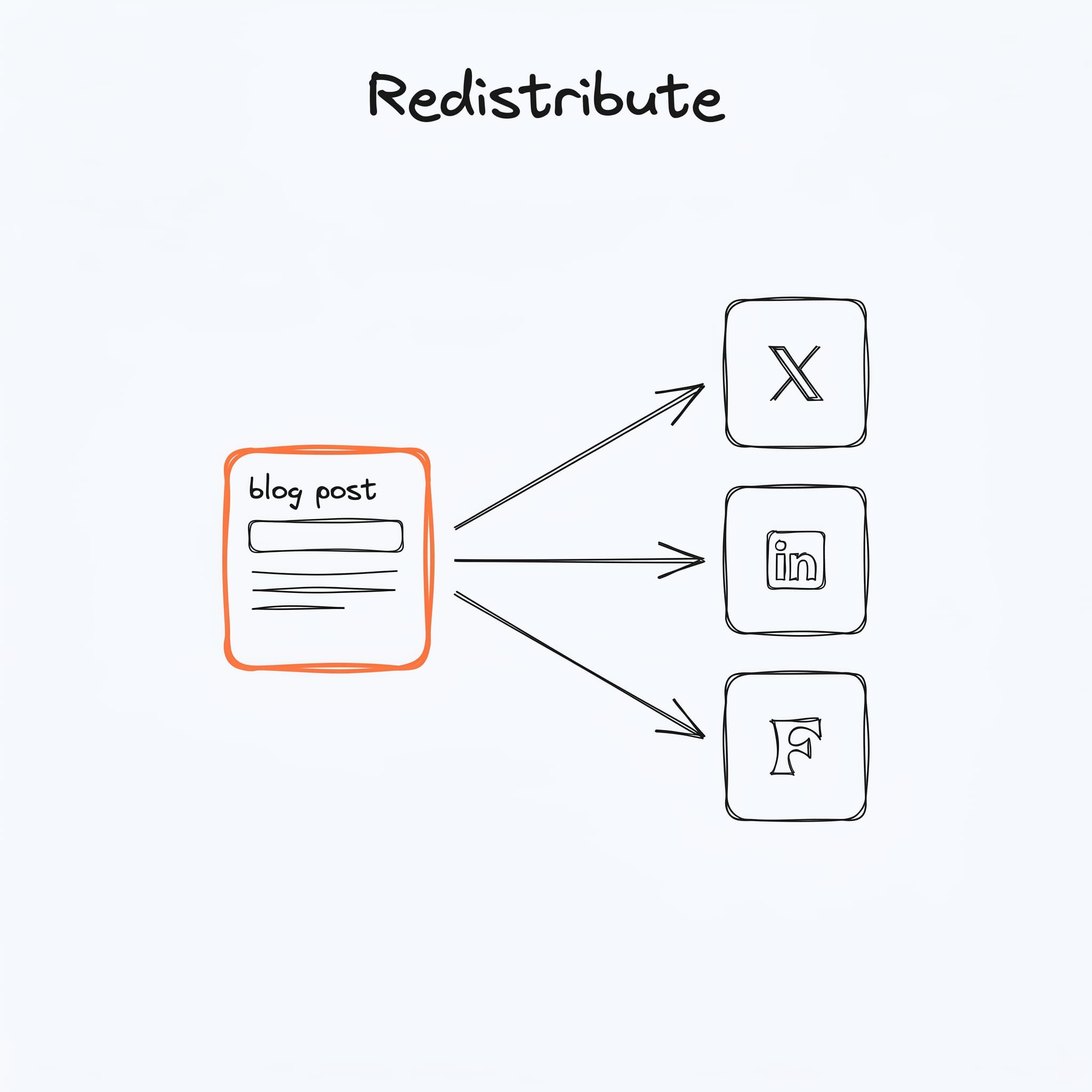
Redistribution takes one piece of long-form content you already wrote — typically a blog post — and turns it into several social posts in different formats. One blog post → an X thread, a LinkedIn post, a Farcaster cast. See Content redistribution.
Trigger
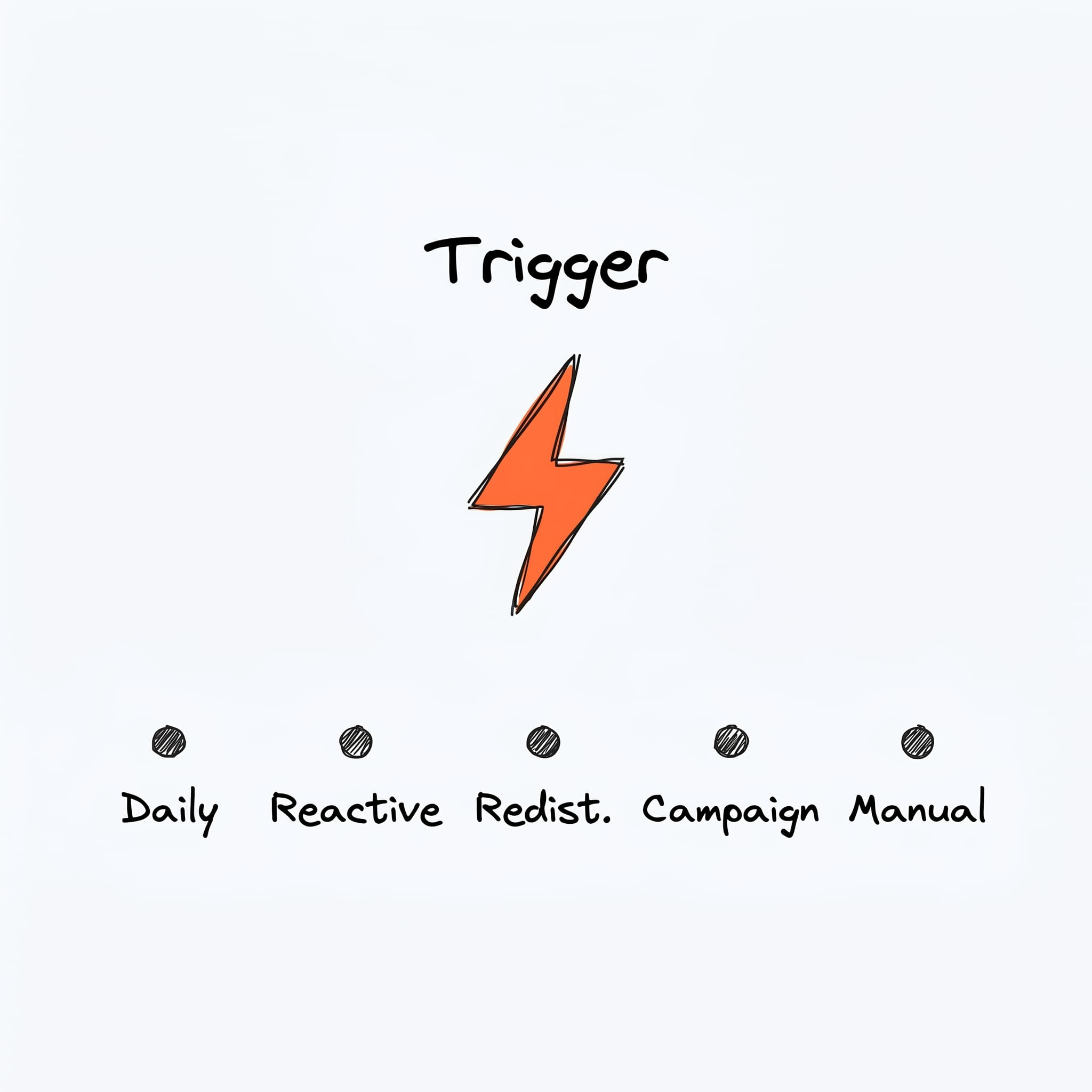
Triggers are the five events that cause Borker to generate content:
- Daily — your scheduled run, once per day
- Reactive — when relevant industry news drops
- Redistribute — when one of your blog feeds publishes
- Campaign — when a campaign plan item comes due
- Manual — Run workflow button, prompt bar, or "Create response" on a news article
Draft
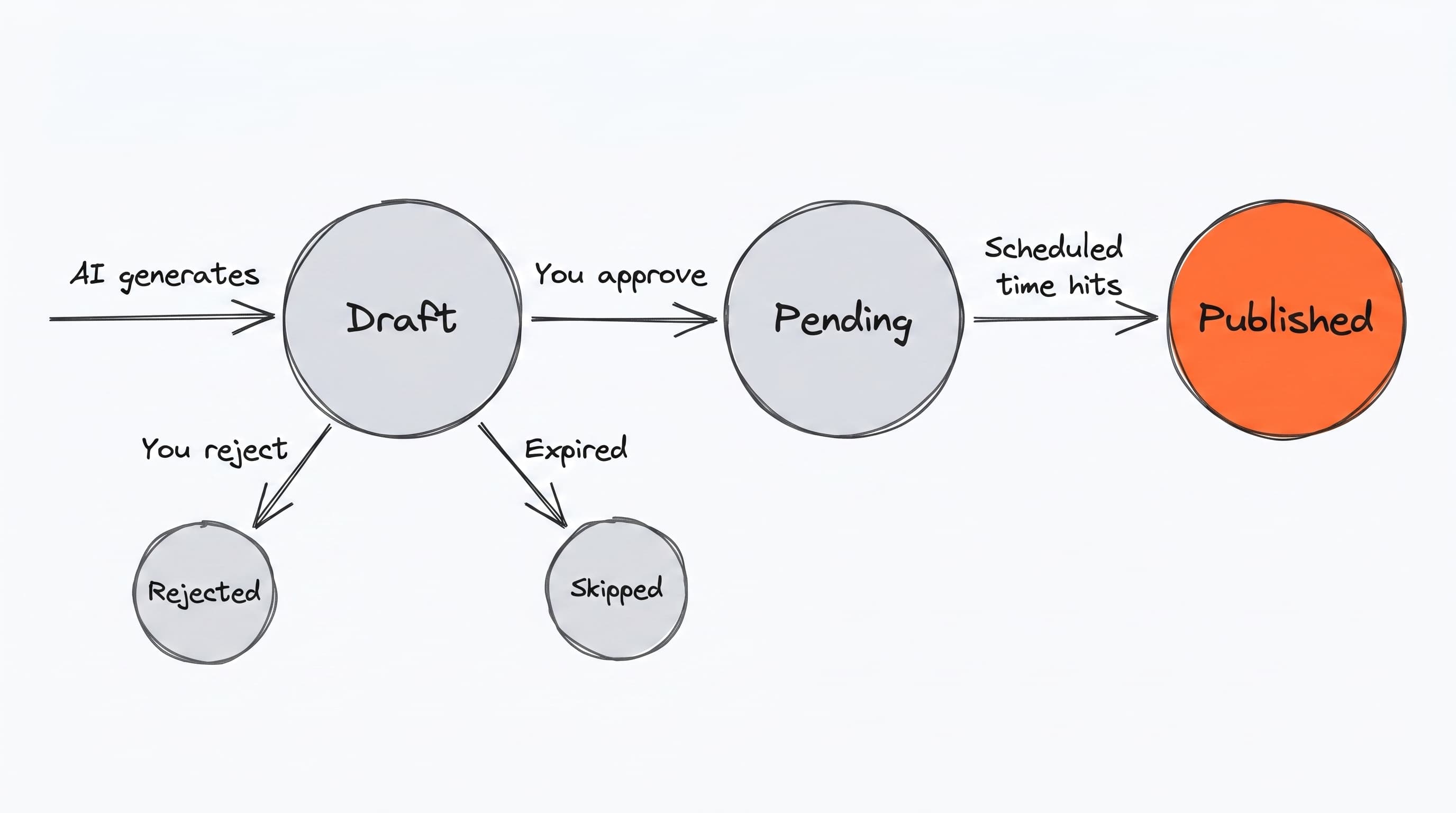
Every piece of content Borker produces — from any trigger — lands as a draft. Drafts live in the Pipeline, where you review, approve, and schedule them. Nothing publishes until you say so (with one optional exception, auto-approval mode). See Content Pipeline.
This page is the conceptual layer. For the operational side — when each trigger fires, what it produces, and how — see How Borker works and the Workflows & automation section.